
Admisson Name : UGC NET June 2026
Advt No. :
Posts :
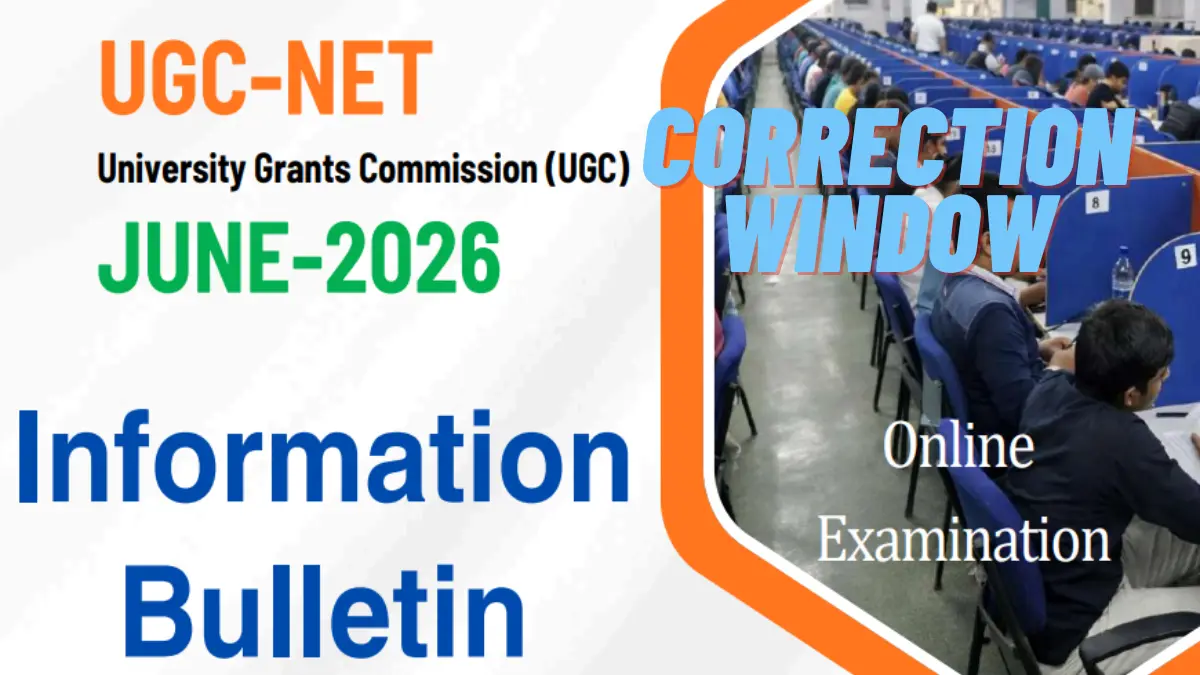
National Testing Agency (NTA) has released the Information Bulletin of University Grants Commission – National Eligibility Test (UGC NET June 2026). This is a much awaited nationwide examination for determining the eligibility of Indian nationals for award of Junior Research Fellowship (JRF) and appointment as Assistant Professor, appointment as Assistant Professor and admission to Ph.D., and admission to Ph.D. only in Indian universities and colleges. But there are common small errors in the online registration process. Candidates can visit the NTA official website for the UGC NET Correction Window. In this complete guide, you will find the exact dates of the correction window, the step-by-step process to edit the application and a meticulous checklist of the essential documents needed to apply and successfully finalize your UGC NET 2026 Application Form.
| Form Mode | Job Location |
|---|---|
| Online Form | All India |
National Testing Agency (NTA)
UGC NET June 2026
www.NewJobVacancy.co.in
Important Dates
- Notification Out : 29/04/2026
- Online Registration Start : 29/04/2026
- Last Date : 23/05/2026 10:00 AM (Extended)
- Fees Last Date : 23/05/2026 11:50 PM (Extended)
- Correction Window : 26-28 May 2026 (Revised)
- Exam Date : 22 June 2026 to 30 June 2026.
- Exam City : 10 June 2026
- Admit Card Download : 15 June 2026
- Candidates are Advised to Verify the details on the Official Website.
Application Fees
- General/Unreserved: Rs. 1150/-
- General-EWS / OBC-NCL: Rs. 600/-
- SC / ST / PwD / PwBD / Third Gender: Rs. 325/-
- Pay the Examination Fee Through Credit Card, Debit Card, Net Banking/ Pay Offline Through E-Challan.
UGC NET June 2026: Age Limits
Age Limits As On 01.06.2026
- For JRF: The candidate must not be more than 30 years of age as of 01.06.2026. Standard age relaxations up to 5 years apply for reserved categories, women applicants, and candidates with research experience.
- Assistant Professor : No Age Limit
- The Age Relaxation Extra as per Rules
Qualification
| Exam Name | Qualification |
|---|---|
| UGC NET June 2026 | • Qualifying Degree Certificate or the last semester marks sheet. Candidates pursuing their Master’s degree (final year) whose results are awaited can also apply. • You must know the exact Code of the UGC-NET Subject, the Code of your Post Graduation Subject, and the Code of your Post-Graduation Course. |
Exam Pattern
Negative Marking : No; Exam Mode : Online (CBT)
Also Read
| Paper | Marks | Number of Questions | MCQ | Total Duration |
|---|---|---|---|---|
| I | 100 | 50 | The questions in Paper I intends to assess the teaching/research aptitude of the candidate. It will primarily be designed to test reasoning ability, reading comprehension, divergent thinking and general awareness of the candidate. | 03 hours (180 minutes) without any break. All the questions are compulsory. |
| II | 200 | 100 | This is based on the subject selected by the candidate and will assess domain knowledge. | 03 hours (180 minutes) without any break. All the questions are compulsory. |
How to Edit the UGC NET Application Form
- Step 1: Go to the official UGC NET website at
- Step 2: Scroll down to the ‘Candidate Activity Board’ and click on the link labeled “Correction Window for UGC NET June 2026.” Alternatively, you can access it directly via the ‘IMPORTANT LINKS’ section located at the bottom of this page.
- Step 3: Login with your system generated Application Number, Password and the security PIN given.
- Step 4: Login and hit the button of ‘Correct Application Form Particulars’.
- Step 5: Carefully go through the sections (Personal Details, Educational Details, Exam City Choices etc.) and make the necessary changes.
- Step 6: While updating uploaded documents like blurred signature or wrong photograph, make sure the new files are in the exact size and format specifications.
- Step 7: If applicable, pay the additional processing fee through Net Banking, Credit Card, Debit Card or UPI.
- Step 8: Save the changes and download the updated Confirmation Page for your future reference.
| IF You Satisfied By www.NewJobVacancy.co.in Please Join Our WhatsApp & Telegram Channel (Thanks). | |
| Join Our WhatsApp Channel | Follow Now |
| Join Our Telegram Channel | Follow Now |
IMPORTANT LINKS
| Correction Form | Click Here |
| Correction Notification | Click Here |
| Apply Online | Click Here |
| Check Official Notification | Click Here |
| Official Website | Click Here |
| Home Page | Click Here |
Scanned Images for Uploading
- Live Photograph: The NTA has introduced a new rule. The candidate will have to capture and upload a live photograph at the time of filling out the application form using a webcam.
- Recent Scanned Photograph: File size must be between 10 Kb and 200 Kb in JPG/JPEG format. It can be in color or black & white but must have 80% face visibility (without mask) including ears against a white background. Spectacles are allowed only if used regularly.
- Candidate’s Signature: The signature must be done in running handwriting on white paper using a Blue or Black Ink pen. Writing the full name in capital letters will be rejected. The file size must be between 10 Kb to 50 Kb.
- PwD/PwBD Disability Certificate: If applicable, this document must be uploaded as a single PDF containing both sides of the certificate, with a file size between 50 Kb to 300 Kb.
Q1. What are the dates for the UGC NET June 2026 Correction Window?
Ans: The NTA will open the online correction window from 22 May 2026 to 24 May 2026 (up to 11:50 P.M.).
Q2. Can I edit my uploaded photograph and signature during the correction window?
Ans: Yes, if your uploaded images do not meet the prescribed format (e.g., blurry images or wrong background), you can re-upload them during the correction window. Ensure the photograph file size is 10Kb-200Kb and the signature is 10Kb-50Kb.
Q3. Is it possible to change the exam center city after form submission?
Ans: Yes, candidates can modify their four preferred choices of Examination Cities during the correction window. However, once the correction window closes, no further requests for center changes will be entertained.
Q4. Can I request offline corrections through email or post?
Ans: No. The entire application and correction process is strictly online. NTA will not accept any change requests through offline modes like fax, physical mail, or e-mail.